










Connect your agent.
Claude Code, Codex or Cursor. One link.
Connect Zantau to the coding agent you already use. Two clicks, and it can research your market, design the ad and create it in your brand's style, without leaving the chat.
Give your AI the tools to understand what your competitors are running. Get real insights from real ads.
 find before / after ads still runningshow me ads that prove it with real UIwho is running founder to camera?
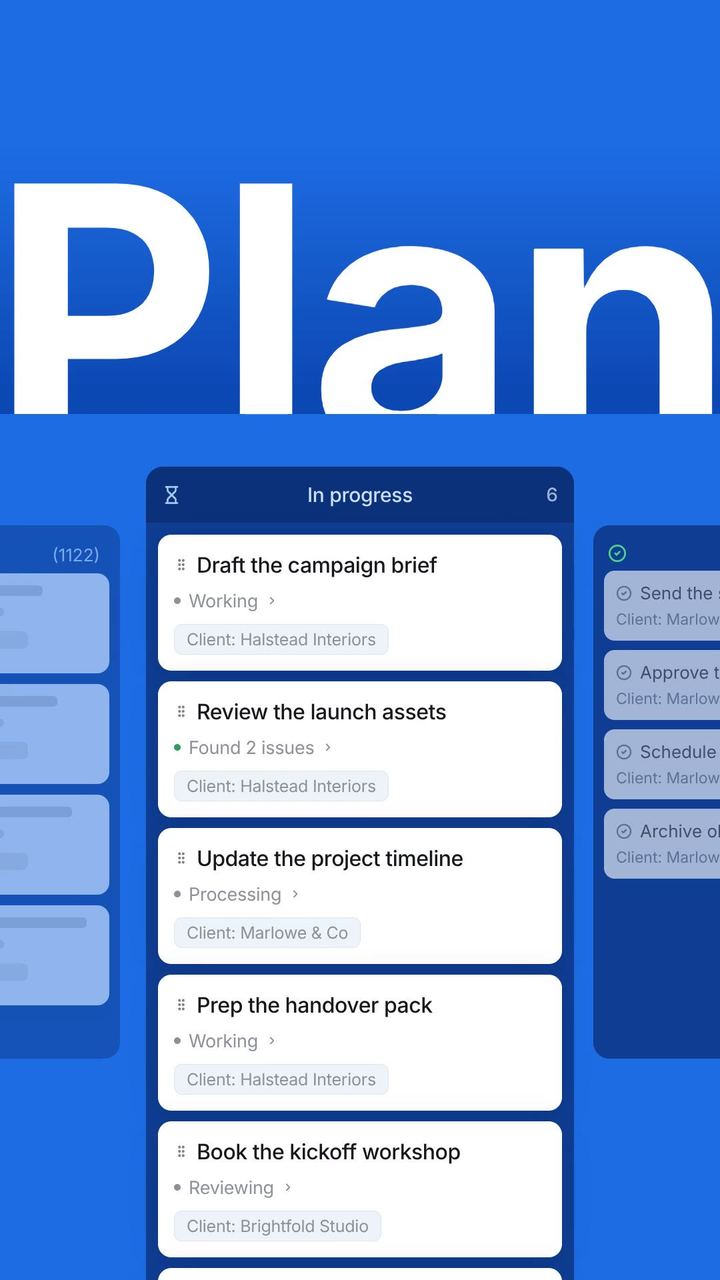
You direct in chat. Zantau creates, and every generation lands in the web app ready to review.

Claude Code, Codex or Cursor. One link.
No lookalike, no imitation. Your actual product.
MP4 or PNG, sized for every placement.
Ship the feature, then ask your agent for the ad. Zantau creates it from your codebase and your brand, so the creative lands the same week the feature does.
Every AI app uses the same link. The first time you connect, you sign in to Zantau and approve access. That’s the whole setup.
https://zantau.com/api/mcp/mcp Claude (claude.ai and the desktop app)Settings → Connectors → Add custom connector → paste the link → Connect. Approve when Zantau opens.
 ChatGPT
Settings → Connectors (turn on developer mode) → Create → paste the link and choose OAuth.
 Cursor
Settings → MCP → Add new MCP server → type Streamable HTTP → paste the link.
Claude CodeOne command in the terminal:
claude mcp add --transport http zantau https://zantau.com/api/mcp/mcp CodexOne command in the terminal:
codex mcp add zantau --url https://zantau.com/api/mcp/mcpSigned in already? The same instructions live in Settings → Connections.
A standard plug (the Model Context Protocol) that lets AI assistants safely use other products. You don't need to understand it. You paste one link, sign in, and your assistant gains Zantau's research and Studio tools. It decides when to use them as you chat.
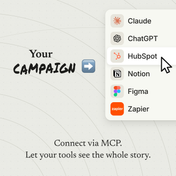
Anything that speaks MCP: Claude (web, desktop and Claude Code), ChatGPT, Codex, Cursor, and a growing list of others. Same link everywhere.
Yes. You connect by signing in to Zantau and approving access, so there are no API keys to copy or leak. The assistant acts as you, with exactly your plan's permissions. To revoke access, remove the connector in your AI app, or contact us and we'll revoke it on Zantau's side.
No. The connection is included on every plan: the full archive, breakdowns and transcripts, delivered into the chat. Studio generation work is metered by the credits your plan includes.
Connect your agent in two minutes and start from proof, not a guess.